How to generate social media posts with AI (without sounding like a robot)
AI can write a week of posts in a minute. Whether they sound like you depends on what you give it and how you read what comes back. Here is a plain way to do both.
Why so many AI posts sound the same
You have seen them. "Elevate your weekend with our delightful new menu." "Unlock the secret to radiant skin." Nobody talks like that, and your customers can tell within a line.
The reason is simple. When you ask an AI for "a post about our new menu", it has nothing to go on except the average of every menu post it has ever read. So you get the average. The fix is not a cleverer tool or a longer prompt full of adjectives. The fix is giving it the things only you know, and then reading what comes back like a customer would.
This guide walks through both halves: what to put in, and how to check what comes out.
Start with something that actually happened
The best posts are about an event, not a theme. "Post about quality" gives the AI a blank page. "We started baking our sourdough overnight because the daytime loaves were coming out dense" gives it a decision, a reason and a picture.
Before you ask for anything, write one plain sentence about what is new. A few examples:
- A café: "The oat milk supplier changed, and the flat whites taste creamier now."
- A salon: "We added Saturday afternoon appointments because people kept asking."
- A clinic: "Parking at the back is open again after the building work."
- An online shop: "The blue mugs are back in stock, and we made fifty more than last time."
If your sentence sounds boring to you, it is not ready. Find the detail that made you want to tell someone. That detail is the post.
Give it the facts it cannot guess
An AI does not know your prices, your opening hours, the name of your new stylist or the date of your summer sale. If you leave those out, it will either skip them or, worse, make something up that sounds plausible.
So hand over the facts in plain words:
- What is happening, in one sentence.
- The details that matter: dates, times, prices, names, what is included.
- Who it is for: regulars, new customers, people who live nearby, other businesses.
- What you want someone to do next: book, drop in, reply, visit the website.
Four short lines like these beat a long paragraph of "make it engaging and fun". They also make checking easier, because you know exactly which facts should appear in the draft.
Tell it how you sound
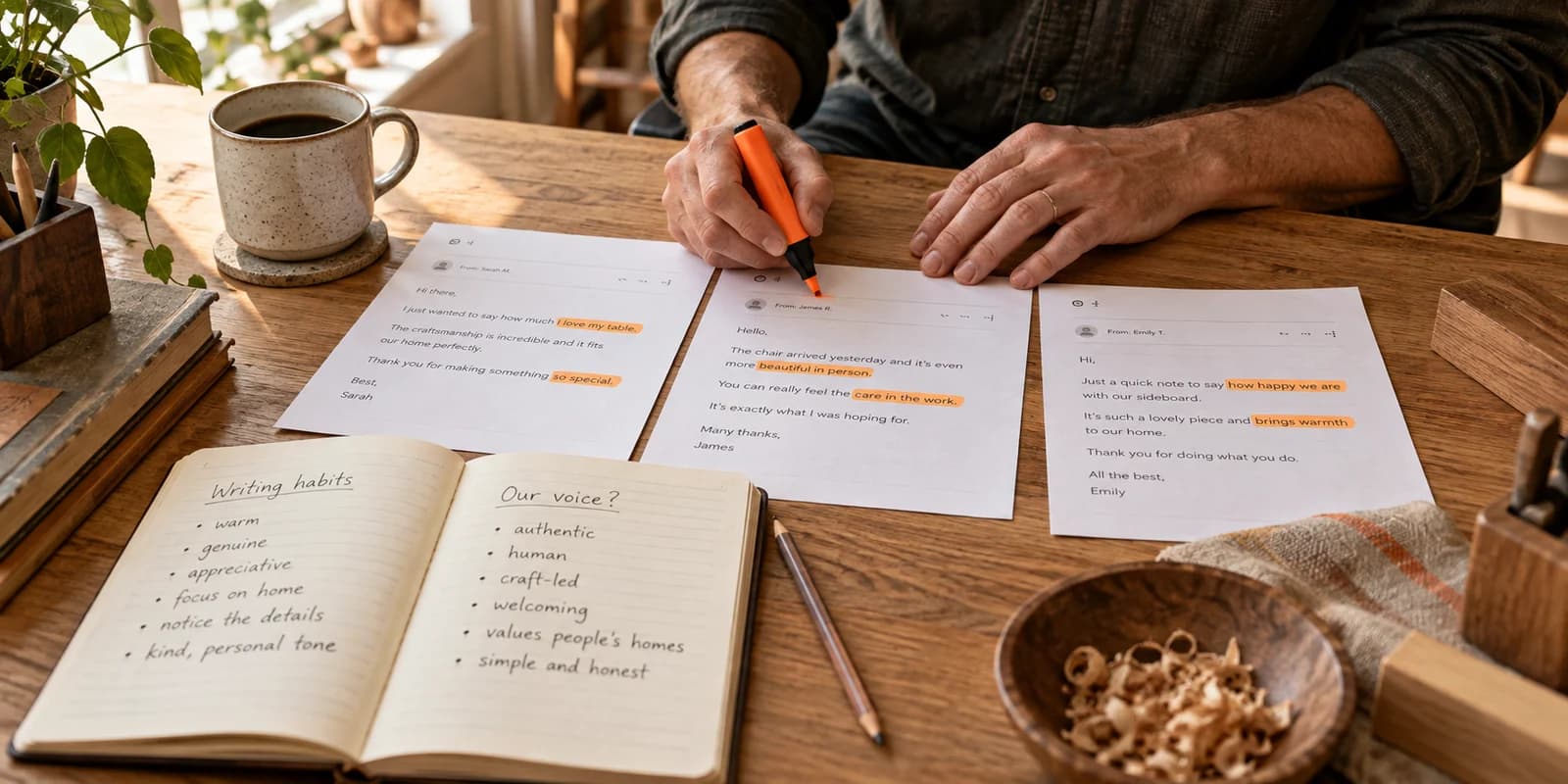
Your voice is already there in the things you write every day. The replies you send customers, the note on your shop door, the way you answer the phone. We wrote more about this in finding your brand voice, but the short version is: collect a few real sentences you wrote, and note three habits.
For example, a gym owner might note: short sentences, no fitness jargon, always name the coach. A florist might note: talk about the flowers by name, mention the season, never say "stunning".
Also write down a few things you would never say. "Game-changer", "indulge", "don't miss out", lots of exclamation marks. Telling the AI what to avoid is often more useful than telling it what to aim for.
Keep these notes somewhere you can paste them in every time. Better still, use a tool that remembers them for you.
One idea, a different post for each app
The same news does not read the same way everywhere. A rough guide:
- Instagram wants a good picture and a warm first line. People decide in a second whether to keep reading.
- Facebook suits a little more detail and a clear practical point, like the date and how to book.
- LinkedIn wants the reason behind the decision, in a few short paragraphs.
- X wants the one sentence you would say across the counter.
- TikTok wants something to watch: the loaf coming out of the oven, the before and after.
Asking for "one post for all channels" usually gives you something that fits none of them. Ask for a version per app, or use a tool that writes them separately.
Read the draft like a customer, not like a writer
This is where most of the value is. Generating a post takes seconds. Checking it takes a couple of minutes and decides whether it sounds like you. Here is a short checklist:
- Are the facts right? Dates, prices, times, names, spelling of your street. AI drafts can be confident and wrong.
- Would you say it out loud? Read the first line aloud. If you would feel silly saying it to a regular, change it.
- Is there one specific detail? "Fresh bread" is generic. "Rye with caraway, out of the oven at seven" is yours.
- Did it add anything you did not ask for? A discount you are not offering, a promise you cannot keep, a claim like "the best in town".
- Is it too long? Most small business posts are better short. Cut the last sentence and see if anything is lost.
- Is the ask clear? One thing to do next, said plainly.
- Are the hashtags sensible? A handful that describe what and where, not thirty generic ones.
When you change something, notice what you changed. If you keep cutting the same kind of phrase, add it to your "never say" list. Your drafts will get closer each week.
Do not forget the picture
A good caption with a weak picture still gets scrolled past. Real photos of your work, your place and your people are usually the strongest thing you have. A phone photo in good daylight is fine.
When you do not have one, a generated picture can fill the gap, as long as it looks like your business: your colours, your kind of setting, nothing that pretends to be a real dish or a real client's result when it is not. And check it at phone size, which we covered in giving your visuals a starting point.
Each app also wants a different shape. A square picture cropped into a tall story often loses the important part. Size it for where it is going.
Make it a routine, not a scramble
The easiest way to keep posts sounding like you is to stop writing them at the last minute. Once a week, jot down what happened, generate the drafts, check them, and schedule them. One real event can easily carry a few posts across a week, as we explained in one good idea can carry your week.
If you are stuck for events, our list of post ideas for any small business is a good place to start.
Where Synis fits
This is the routine we built Synis around. It reads your website to pick up your name, colours and the way you write, so you are not pasting voice notes every time. You say what is new in a line, and the AI social media post generator writes a version for Instagram, Facebook, LinkedIn, TikTok and X, makes a picture in your colours at the right size or uses your photo, and adds the tags. You edit whatever you like, it learns from what you change, and once you say yes it goes on the calendar.
You can see the whole flow on how it works, or try it free with your own next post. Either way, the rules above hold with any tool: real facts in, your voice as the check, and a person reading every post before it goes out.